Study 01
Art from virtual tours to bids
How may artists, curators and customers come together within one marketplace that serves all 3 uniquely?
The idea
This app was born out of my own frustration with online platforms for selling art. There are options, but those options are usually larger marketplaces like Etsy, where customer intent to can get lost in the overwhelming amount of products for sale.
Research
I researched the apps that already pair art discovery with bidding, and discovered there are roughly two types: art marketplaces that feel like digital galleries, and auction-house apps built around the auction bid. Artsy is the closest established competitor with over a million works available with Buy Now, Bid and Make Offer paths, but it has no navigable gallery to walk through. Layer of Art is the closest functional match, combining a curated marketplace, all three acquisition paths, and in-app buyer–seller chat, just at a smaller regional scale.
Sotheby's and Christie's offer genuinely immersive 360° virtual tours, but the tours are bolted onto selected sales rather than integrated into a bidding flow. Across every platform I researched, the same gap kept showing up: no single platform that provides a navigable virtual gallery, exhibition-style curation, contextual room visualization, and every acquisition type in one coherent experience. That gap became the premise of this app.
AI DESIGN & PROTOTYPE DEVELOPMENT
Once I knew the direction I wanted to take the app, I created a quick service blueprint for customers, artists and curators to understand how their actions would intersect and merge. I then used Figma Make to move quickly from research to a working design language for the early page designs, honing the tokenized, design system.
I then prompted the specific page flows: a home, gallery, account, favorites, bidding, cart, purchase flow. I loved this version of the app, but quickly realized that two apps were needed: an app for customers and an app for curators and artists.


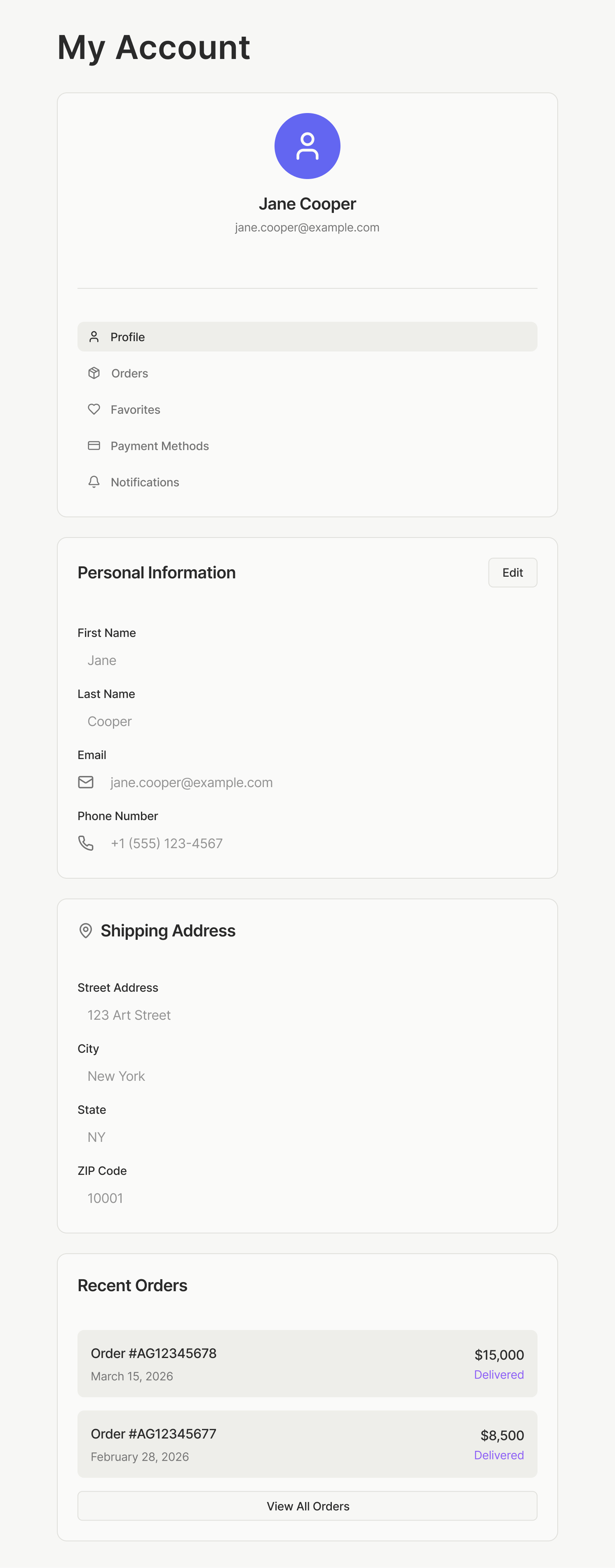
Live prototypes open in new tabs.